

Sign Up
Sign Up for ReserveOn
This guide will walk you through the quick and easy process of creating your account on ReserveOn App. The first step is to identify yourself as either a Destination Management Company (DMC) or a Restaurant.
For Destination Management Companies (DMCs)
Step 1: Get Started
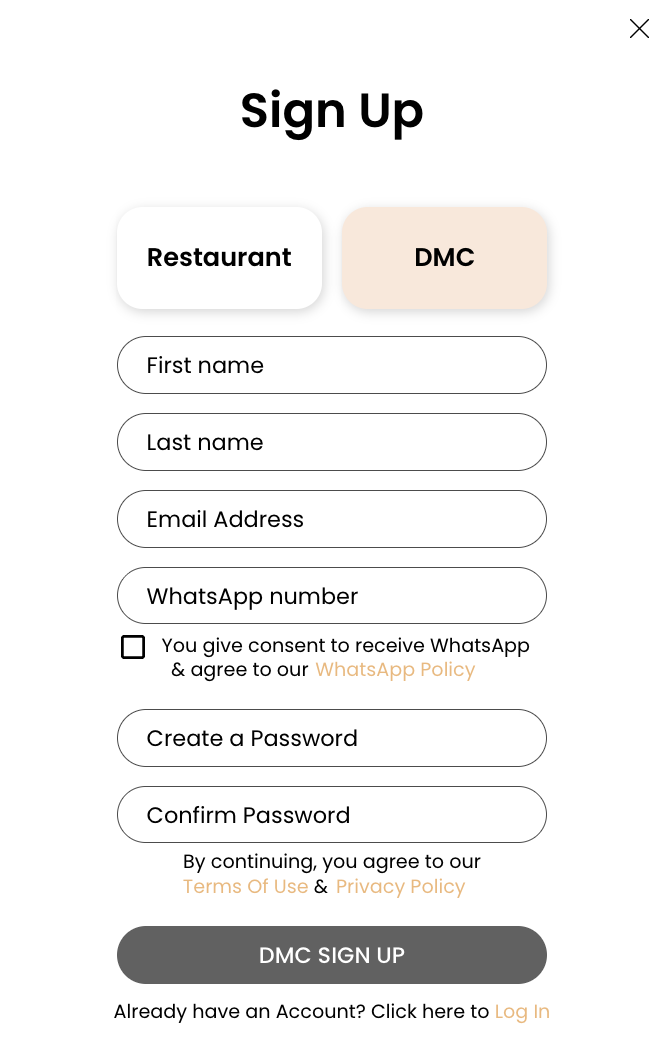
On the ReserveOn homepage ( Link to ReserveOn App ), click the "Sign Up" button.
Step 2: Select "DMC"
You will be prompted to choose your account type. Select "DMC" to begin the process.
Step 3: Enter Your Details
Provide the following information:
-
Your Full Name
-
Your Business Email (this will be your login)
- WhatsApp #
-
A Secure Password
Also, you will see the following options:
-
[ ] You give consent to receive WhatsApp & agree to our [WhatsApp Policy]
-
By continuing, you agree to our [Terms Of Use] & [Privacy Policy]
Step 4: Welcome to ReserveOn!
Your account is now created. You will be redirected to your dashboard.
For Restaurants
Step 1: Get Started
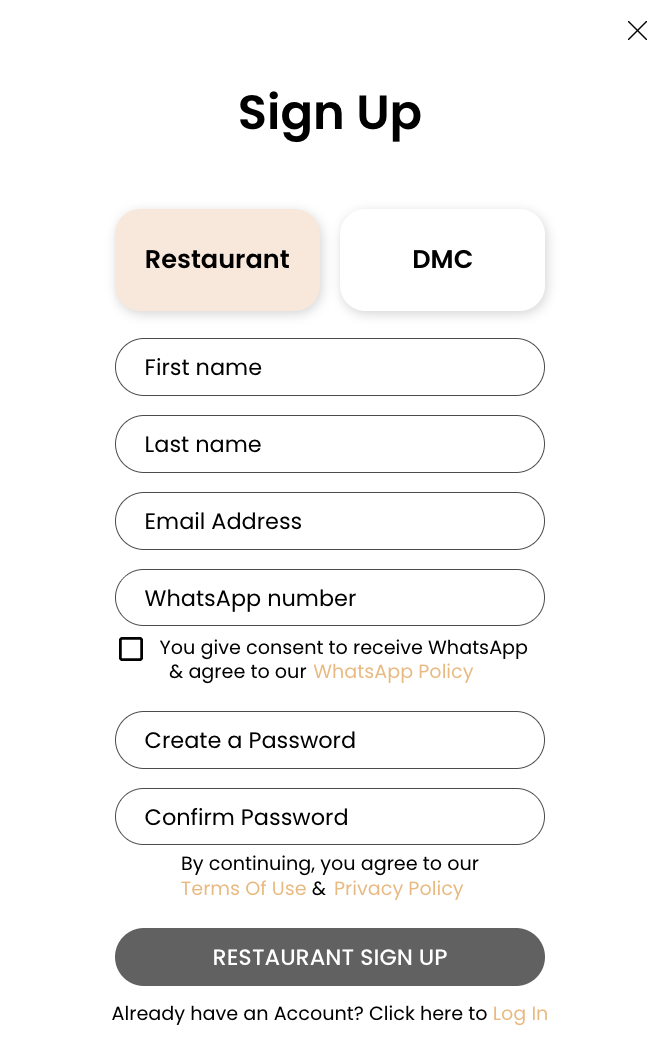
On the ReserveOn homepage (Link to ReserveOn App), click the "Sign Up" button.
Step 2: Select "Restaurant"
You will be prompted to choose your account type. Select "Restaurant" to begin the process.
Step 3: Enter Your Information
Provide the following information:
-
Your Full Name
-
Your Business Email (this will be your login)
- WhatsApp #
-
A Secure Password
Also, you will see the following options:
-
[ ] You give consent to receive WhatsApp & agree to our [WhatsApp Policy]
-
By continuing, you agree to our [Terms Of Use] & [Privacy Policy]
Step 4: Your Account is Live!
Congratulations! Your account is now created. You will be taken to your dashboard.
Next Steps: Mandatory Onboarding
After completing the sign-up process, both DMCs and Restaurants must follow a series of mandatory e-mail verification, WhatsApp consent (if opted), onboarding steps to fully activate their accounts. You will be guided through these steps immediately after logging in.